 Billing
& Support
Billing
& Support Multicraft
 Game
Panel
Game
Panel


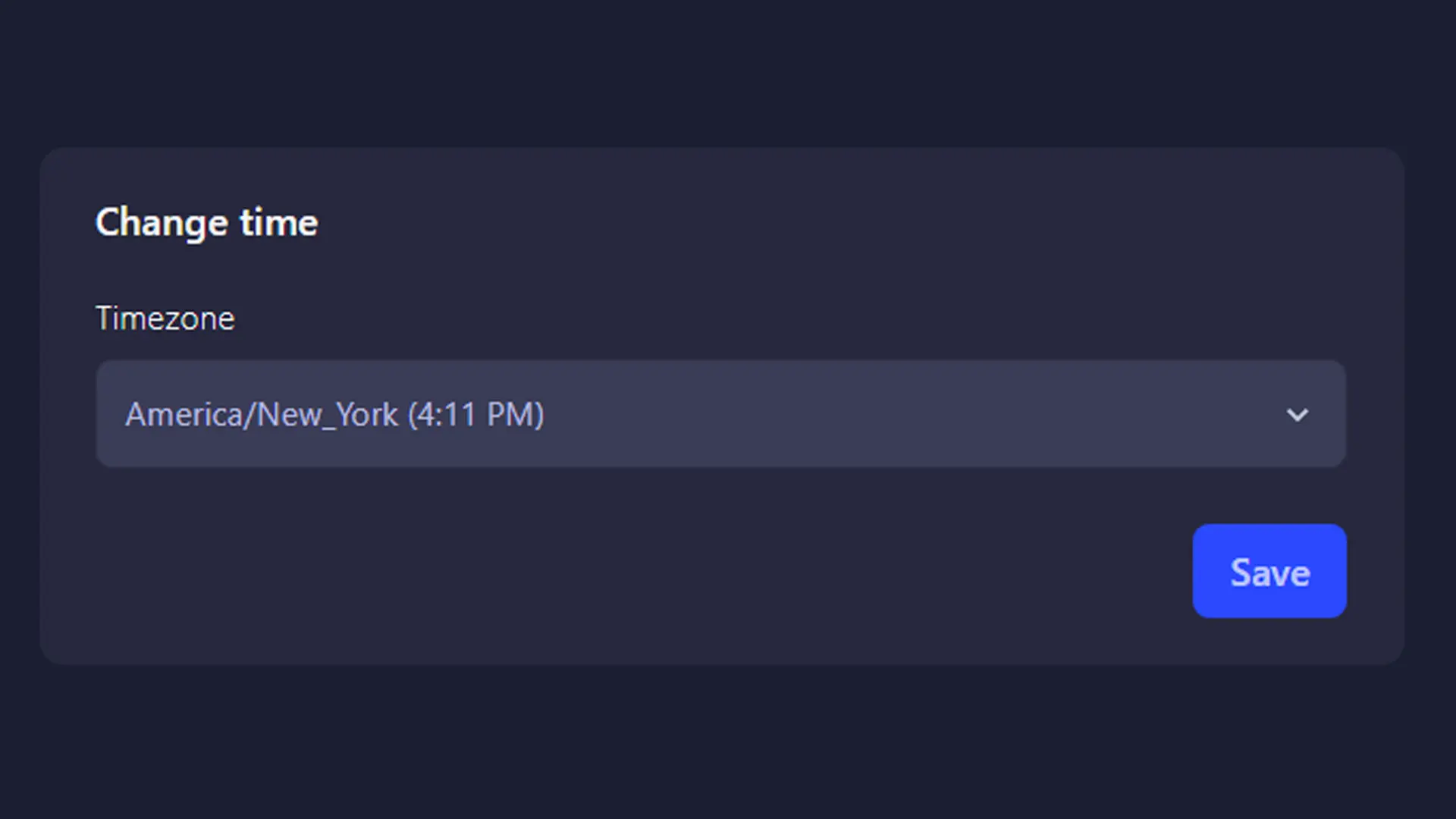
Accurate time settings are essential for proper server management, logging, and troubleshooting. GGServers offers Change Server Timezone, a free panel feature that allows you to adjust your server’s timezone to match your location or personal preference.
No manual configuration files and no complex system commands required.
What Is Change Server Timezone?
Change Server Timezone is a built-in GGServers panel tool that lets you set the timezone your server uses for logs, events, and system timestamps.
This ensures your server time aligns with your real-world schedule.
Set Your Server Timezone Easily
With GGServers, you can:
- Choose your preferred timezone from the panel
- Apply changes quickly and safely
- Avoid system-level configuration errors
Everything is handled automatically through a simple interface.
Accurate Logs and Timestamps
Correct timezone settings are crucial for:
- Reading logs accurately
- Tracking player activity
- Debugging issues faster
- Coordinating events and restarts
With the correct timezone, timestamps finally make sense.
Better Server Management with Localized Time
Using your local timezone improves day-to-day server administration, especially for:
- Community servers
- Moderation teams
- Scheduled maintenance
- Automated tasks
It reduces confusion and helps keep everything organized.
Included Free with GGServers Hosting
Change Server Timezone is included at no extra cost, along with:
- High-performance hardware
- DDoS protection
- Advanced panel features
- Easy server management tools
- Reliable uptime and support
Save 30% on Your Server
Manage your server with accuracy and save money.
Use coupon code KB30 at checkout and get 30% off your GGServers game server.
Start hosting smarter today:
https://ggservers.com/gameservers