Billing
& Support
Billing
& Support Multicraft
 Game
Panel
Game
Panel



This article will guide you on wiping your Palworld server map.
- Log in to your control panel at: https://panel.ggservers.com and
Stopthe server.

- Go to
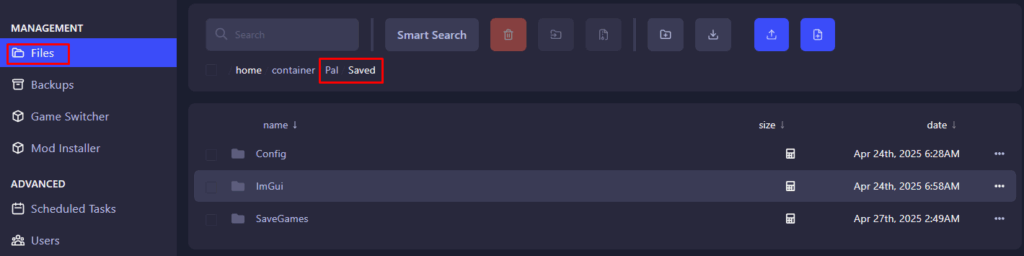
Filesand navigate to thePaland then to theSavedfolder.
- Tick the
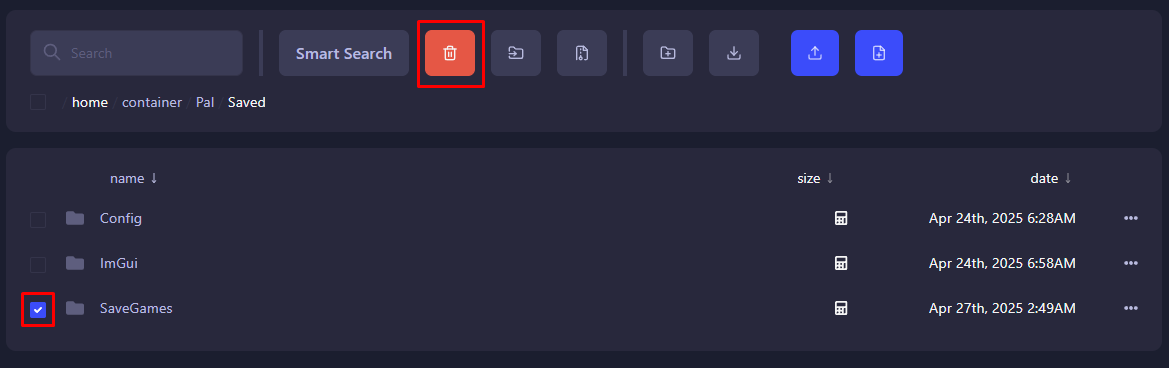
SaveGamesfolder and click the delete button at the top. When you start your server, you should have a new world!