 Billing
& Support
Billing
& Support Multicraft
 Game
Panel
Game
Panel



Joining an Insurgency server hosted on GGServers is quick and easy. Follow the steps below to connect to your server using the in-game Community Servers browser.
Step 1: Start Your Insurgency Server
Log in to your GGServers control panel at https://panel.ggservers.com/ and make sure your Insurgency server is started.

Step 2: Copy the Server IP and Port
Once the server is online, copy the IP address and port displayed in the panel.

Step 3: Open Insurgency
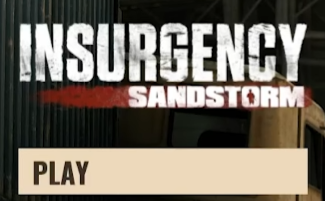
Launch Insurgency and click on Play, as shown below.
Step 4: Open Community Servers
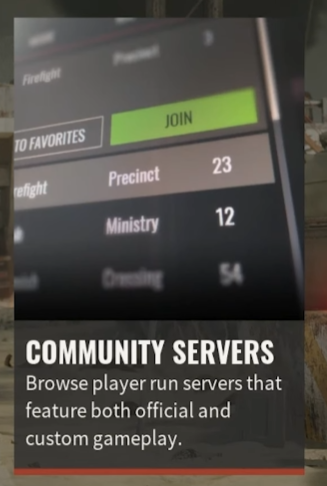
Select Community Servers from the menu.
Step 5: Connect Using IP
Click on Connect to IP.
Paste your server IP and port into the field.
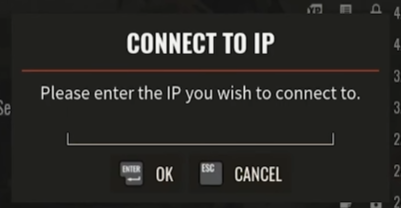
Click OK and you will instantly join your Insurgency server.
If you need more help, contact GGServers support for fast and reliable assistance.