 Billing
& Support
Billing
& Support Multicraft
 Game
Panel
Game
Panel



A Steam Workshop collection groups multiple Workshop items (such as maps, mods, skins, scripts, and other custom content) into one easy-to-install package.
Collections allow players and server owners to quickly download and share a set of content with a single click, simplifying setup and server management.
Many game servers support installing Workshop collections directly, eliminating the need for manual installation.
Creating a Steam Workshop Collection
In this particular tutorial, I will show you how to create a map collection. The same process can be used to create any other type of collection.
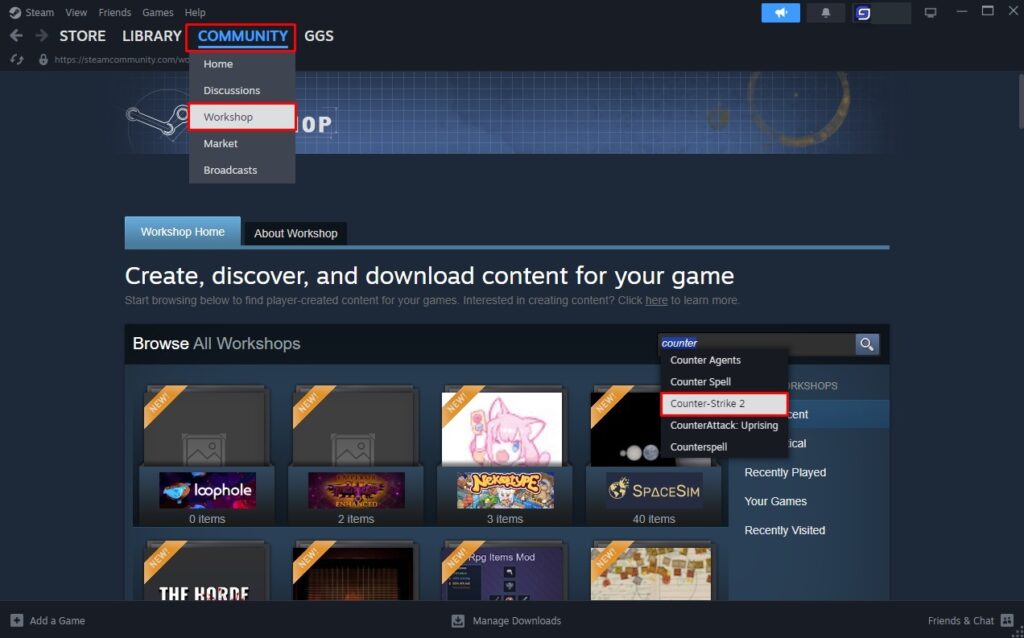
- Open your steam app then access Community, and select Workshop form the drop down menu
- Search the game you want to create a collection for
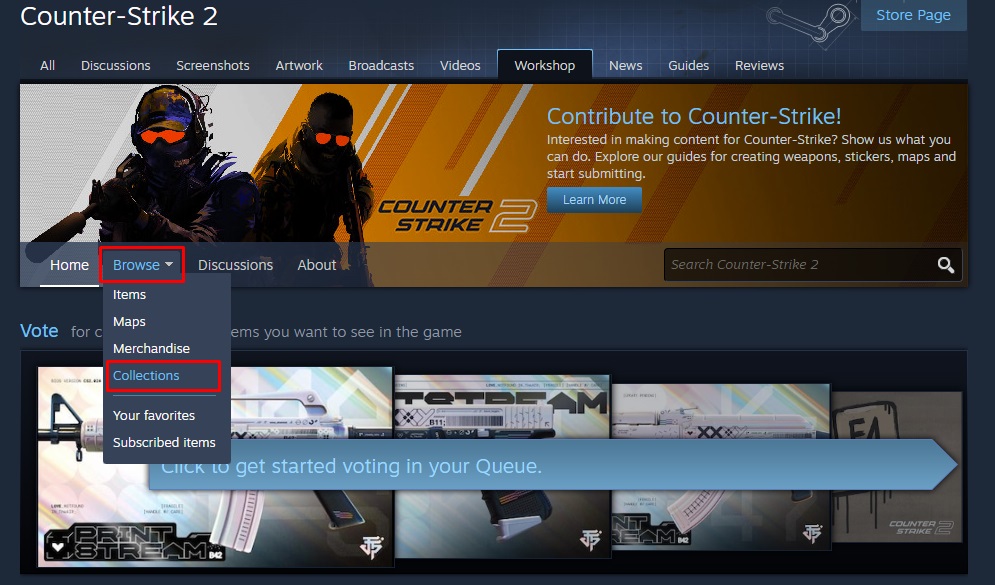
- Under Browse, click Collections
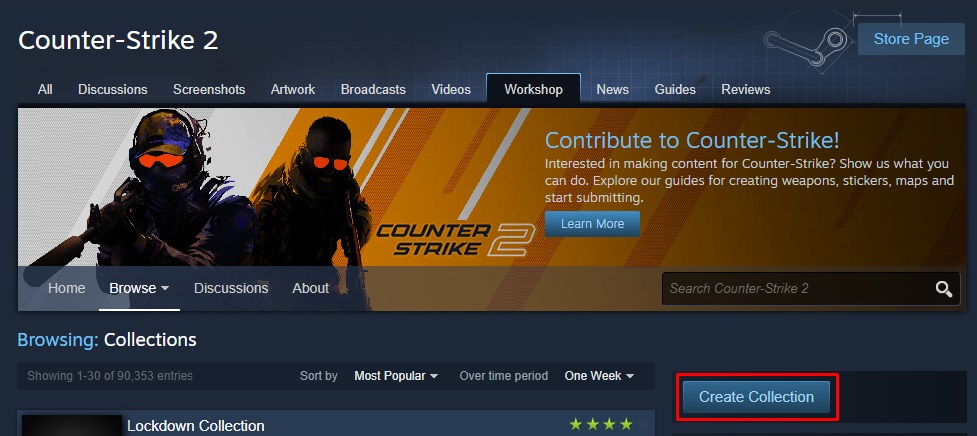
- Click Create Collection
- Fill the details for your collections as required
- Once you are done, press Save and Continue
- Select the desired items, either from the ones you published, your favorites, or subscribed items.
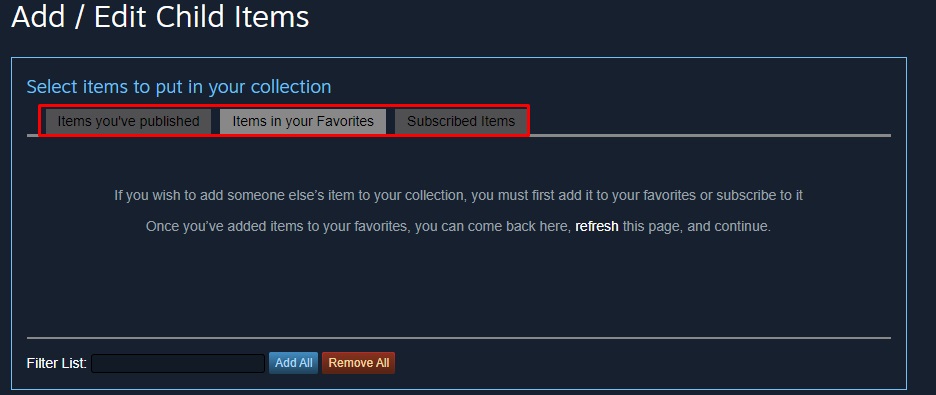
- Once it’s done, click Save and Continue
- After that, press Publish
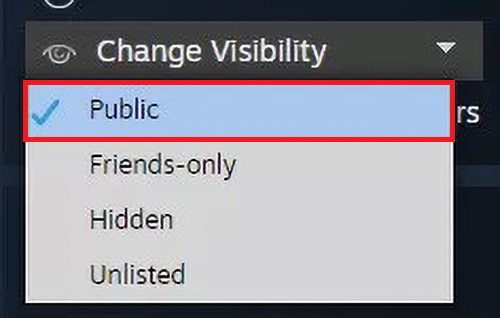
- Lastly, set the Visibility to Public
- Now your collection is ready for use