 Billing
& Support
Billing
& Support Multicraft
 Game
Panel
Game
Panel



General Info
DayZ servers support two default maps: ChernarusPlus (base game) and Livonia (DLC). Chernarus offers a more urban experience, while Livonia focuses on survival in nature. Custom maps can also be added and switched freely.
How to change the map
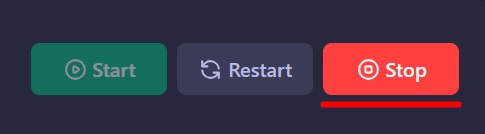
- First, stop the server from your control panel
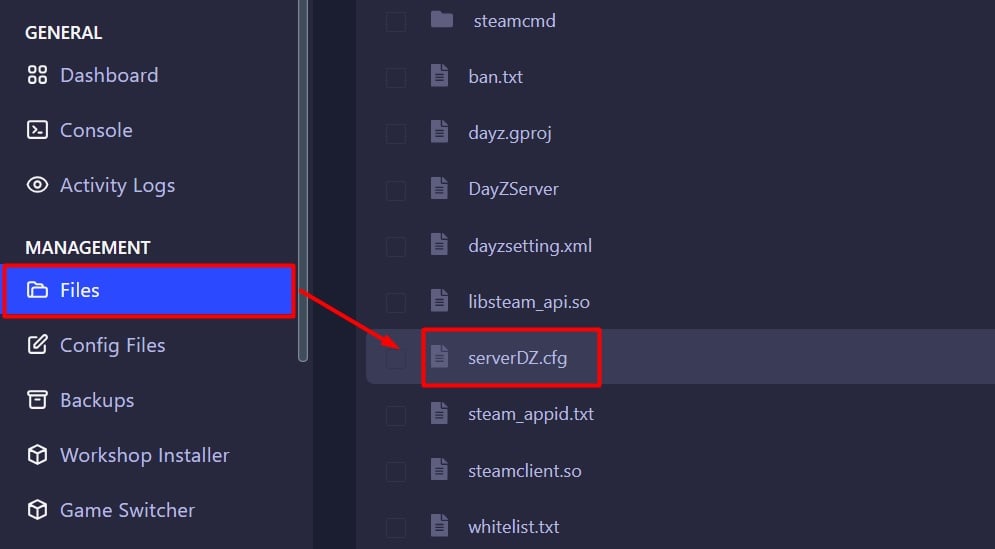
- Access the
Filestab then openserverDZ.cfg
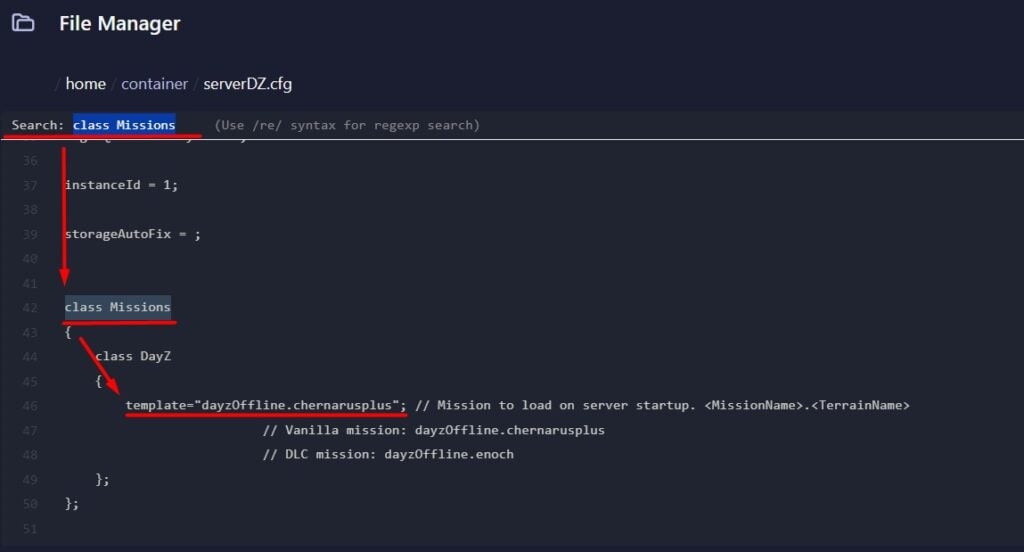
- Search for class Missions inside the file
Tip: You can use Ctrl + F to search inside the file.
- Below class Missions you will see template=
- Enter the desired
<MissionName>.<TerrainName>within the quotation marks.
Example below:
- You can change the map to:
| Vanilla | dayzOffline.chernarusplus |
| Livonia | dayzOffline.enoch |
| Frostline | dayzOffline.sakhal |
- Click on
Save Contentbutton on bottom right - Start the server