Billing
& Support
Billing
& Support Multicraft
 Game
Panel
Game
Panel



CS2 Server – How to Run Workshop Maps is a step-by-step guide for server owners looking to launch and manage Counter-Strike 2 Workshop maps on a dedicated server.
This guide covers the easiest method for running CS2 Workshop maps, or map collections using console commands.
1. How to Launch Workshop Maps Using the Console
- Select a map from Steam Workshop

- Access your Control Panel at panel.ggservers.com
- Start the server (if it’s not online)
- Go to the “Console” tab
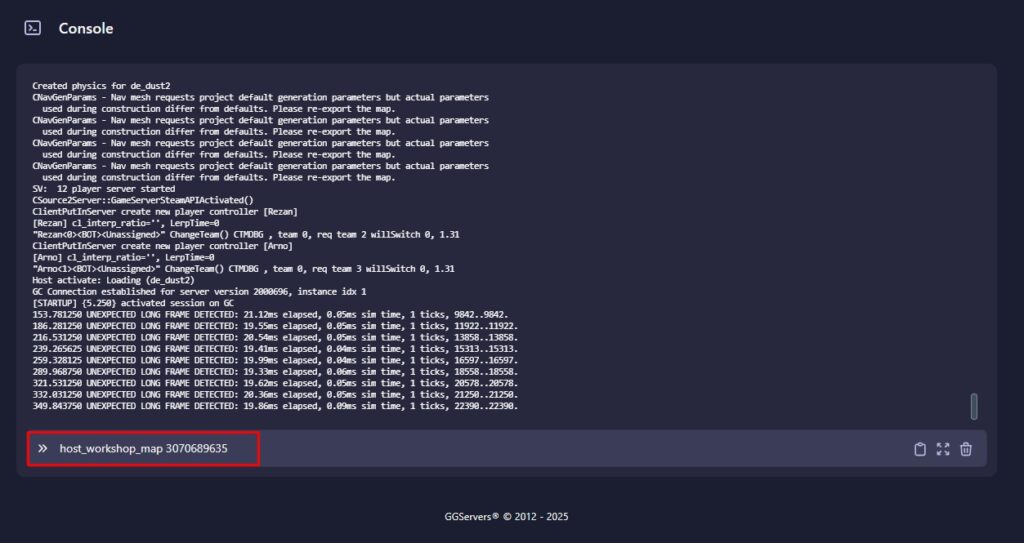
- Run the following command:
host_workshop_map [Workshop ID]
Make sure to change the [Workshop ID] with the actual ID.
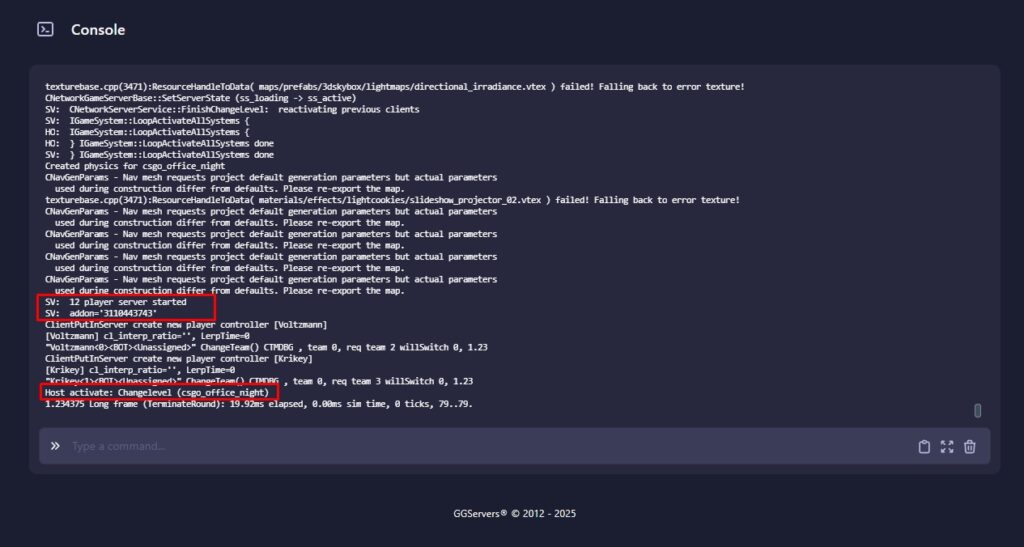
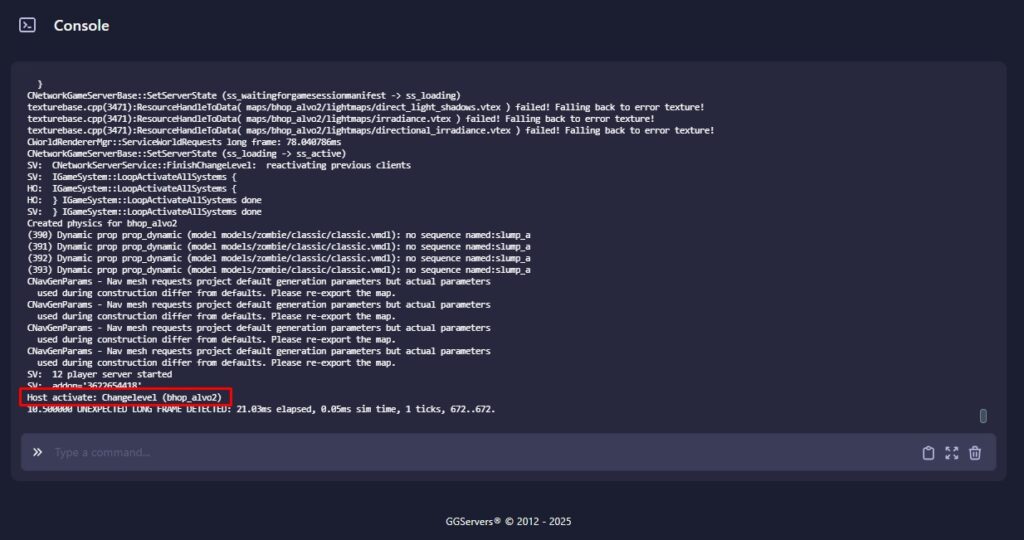
- The logs will show
Host activate: Changelevel (mapName)once it’s loaded.
2. How to Launch Workshop Map Collections Using the Console
- Access the “Collections” section on Steam Workshop and select a collection of maps.
- Or create a collection following our guide.

- Access your Control Panel at panel.ggservers.com
- Start the server (if it’s not online)
- Go to the “Console” tab
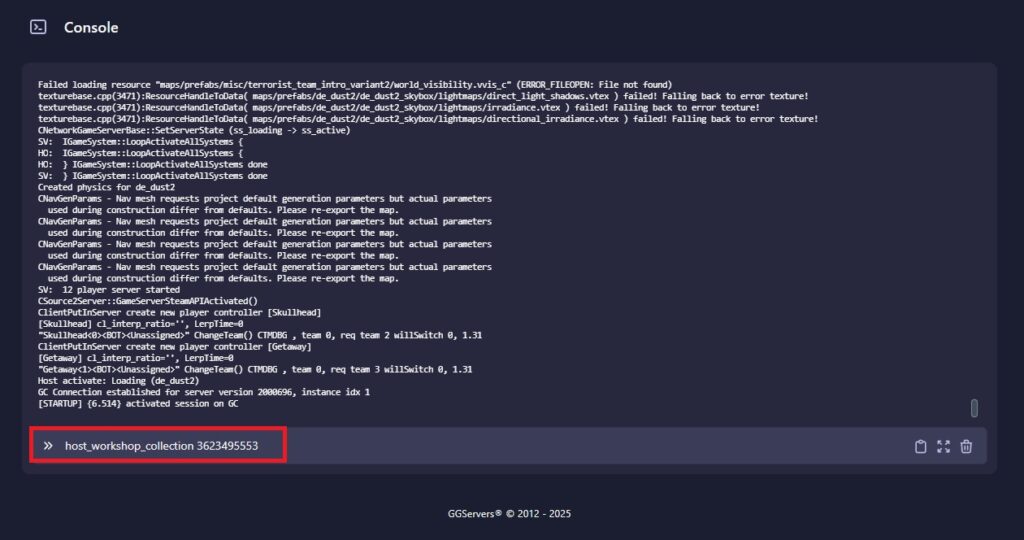
- Run the following command:
host_workshop_collection[Workshop ID]
Make sure to change the [Workshop ID] with the actual ID.
- The logs will show
Host activate: Changelevel (firstMapfromCollection)once it’s loaded.