 Billing
& Support
Billing
& Support Multicraft
 Game
Panel
Game
Panel



Adding a Workshop collection to your Garry’s Mod server is quick and easy. With GGServers, you can enhance your server with custom mods and content in just a few steps.
Step 1: Stop Your Garry’s Mod Server
Log in to your GGServers control panel at https://panel.ggservers.com and stop the server before making any changes.

Step 2: Open Server Settings
Click on Server Settings in your GGServers panel to access the server configuration options.

Then navigate to General Settings to locate the Workshop collection configuration.

Step 3: Add Your Workshop Collection
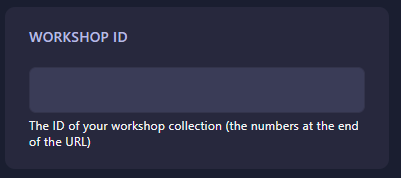
Find the Workshop ID box and enter the ID of the collection you want to add. Your changes will automatically save.
Step 4: Start Your Server
After adding the Workshop collection, start your Garry’s Mod server from the GGServers panel. Your server will now load with the custom Workshop content ready for players.
If you encounter any issues or need additional assistance, contact GGServers support at https://ggservers.com/billing/submitticket.php for fast and reliable help.